Early preview · v0.3.0 · Ubuntu

A new way to build
a desktop

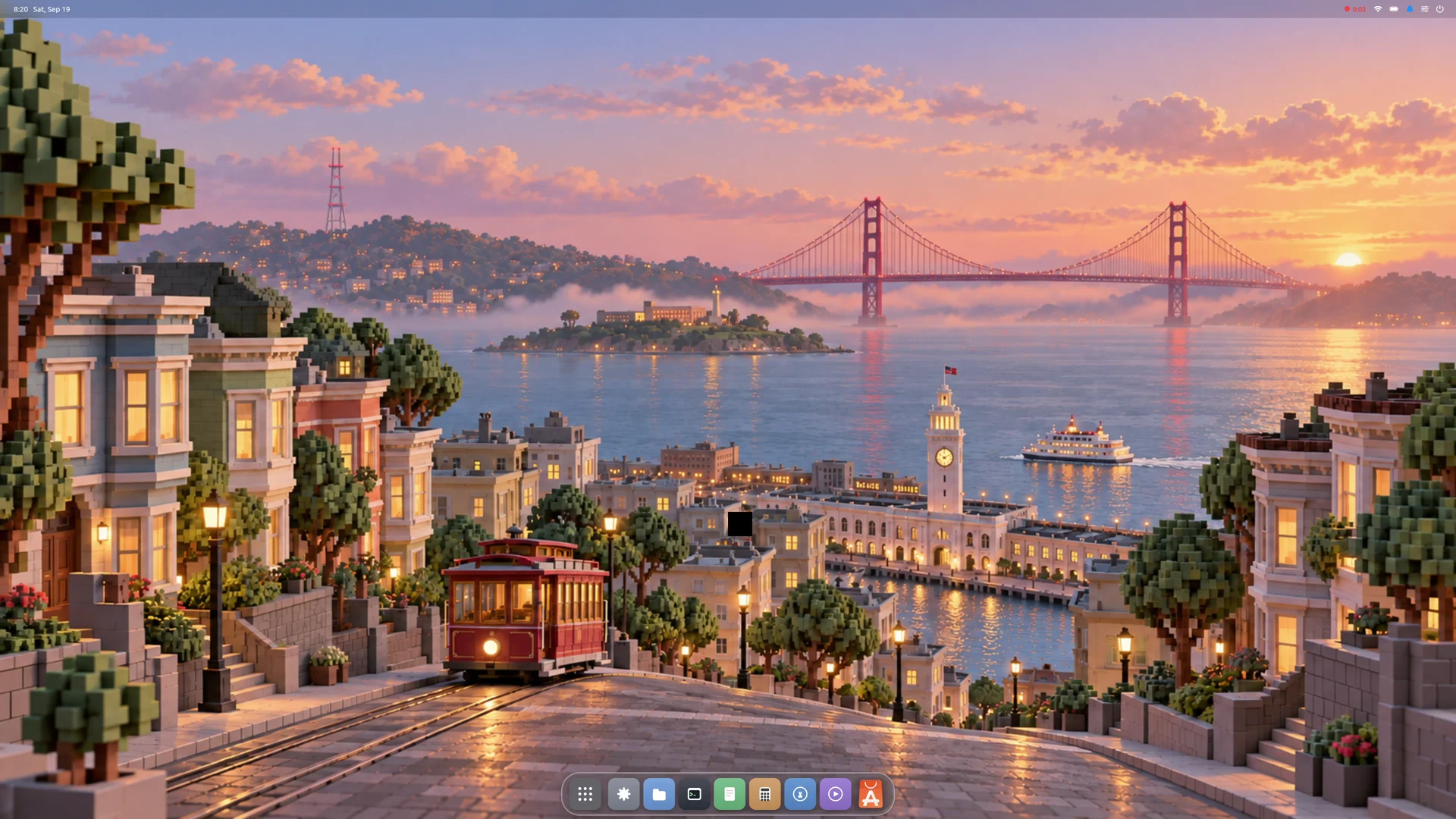
Starling draws the whole Linux desktop as one native program — the dock, the menus and every window are widgets in a single app. Sixty thousand lines, six months, one person directing AI.

Four minutes, one take — recorded by the desktop's own screen recorder. The App Store really installs Chrome and VS Code.

Why it's different

What one program buys you

Fast, native, small

Every pixel is drawn by compiled code on the GPU — no CSS, no JavaScript, no browser engine in the rendering path. The whole desktop keeps a small memory footprint.

Your apps just work

Chrome, Zoom and VS Code run out of the box. Starling speaks both Wayland and X11 natively — no XWayland layer, no manual setup.

Built for AI agents

Agents get a dedicated workspace, fully separated from your desktop. An agent can only operate on the apps it opened itself — it can't touch, or even see, yours.

The idea

One program, all the way down

A desktop is normally a committee of programs negotiating over protocols. Starling is one program: the dock, the menu bar and every window — even Chrome — are widgets in a single tree.

Windows become widgets. Management becomes layout. Effects become animation.

Agent workspace mode — watch it work, step in anytime

An agent drives down the middle, and every app it opens — an editor, a browser — lands as a live tab beside it, not on top of your work. You can watch every move it makes and intervene the moment you need to: its windows are real apps, yours to click.

Watch it happen — an agent builds and ships a page in its own room. 3½ minutes, narrated.
Curious?

How one program replaces four

The architecture, the AI process, and the rest of the engineering story.

How it's built →
The size of it

A desktop you could read in a weekend

Every number can be checked in a public repository.

24,431
Lines of code — the desktop itself: windows, dock, menus, effects
6,935
Lines of C — the Wayland server, how modern apps connect
5,712
Lines of C — the X11 server, how older apps connect
13,407
Lines of code — nine apps that ship with it

Plus a 7,500-line layer that drives the display hardware: about 60,000 lines all told, built on a 211,000-line translation of Flutter into Swift. Desktop and engine are both public.

Why it matters

A desktop one person could actually build

For thirty years, a Linux desktop has been the work of institutions. Starling took one person directing AI, six months — without cutting scope: it drives the GPU, runs Chrome and Zoom, survives a monitor being unplugged.

This is the time to build.
Install

One package, then pick Starling at login

Download Starling 0.3.0 (.deb, 51 MB) ↓
# Ubuntu 26.04 LTS, amd64. Starling needs a Wayland-capable login
# manager. Ubuntu Desktop already has one (GDM); on Server or a minimal
# install, add it first:
sudo apt install gdm3

# Download and install Starling with its runtime dependencies:
curl -fLO https://github.com/starling-build/starling/releases/download/v0.3.0/starling_0.3.0_amd64.deb
sudo apt install ./starling_0.3.0_amd64.deb

# Log out (or reboot). At the login screen click your name, open the
# session menu (the gear / lower-corner button), pick "Starling", sign in.
Early preview. Expect rough edges. Verified on AMD graphics under a fresh Ubuntu 26.04.

Testing virtually? Use a VM, not a container — Starling needs a real GPU device. Once it's running, the User Guide walks you through the desktop.